Organize, version, and control your documents
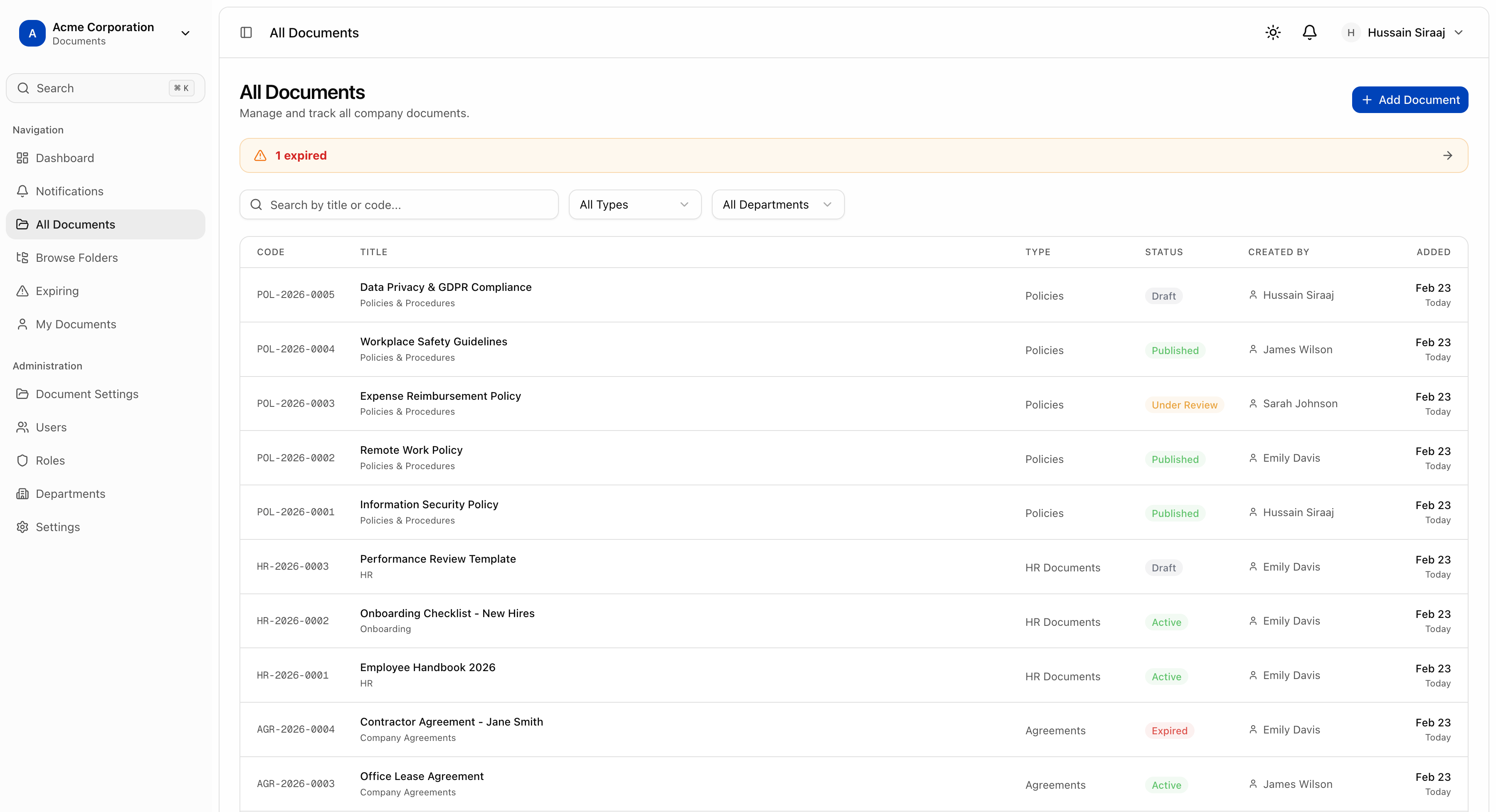
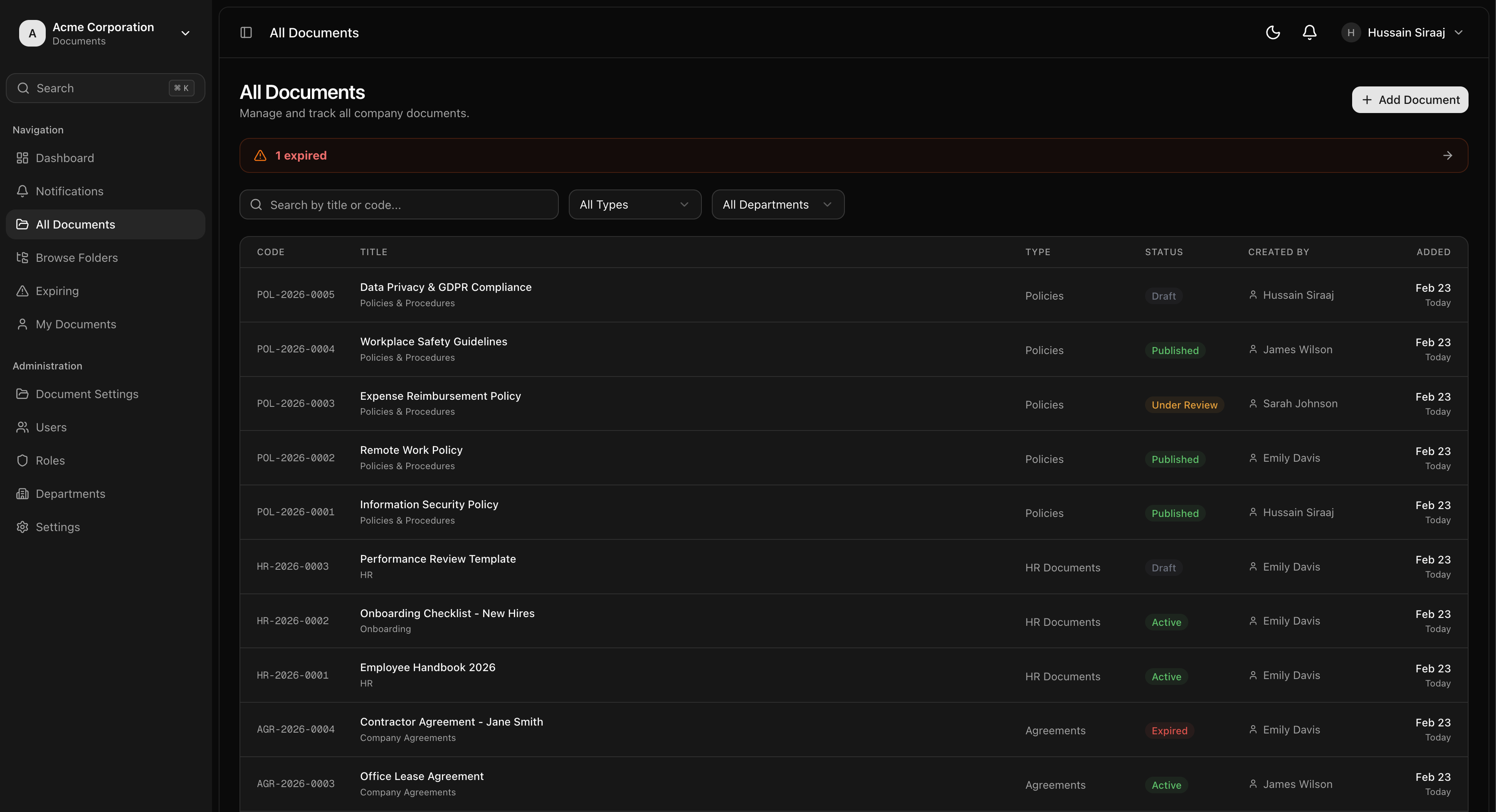
Enterprise document management with folder hierarchies, version control, expiry tracking, and remote storage sync. Keep your files organized and audit-ready.
Features
Document management done right
Everything you need to organize, track, and control your enterprise documents.
Folder Hierarchies
Organize documents in nested folder structures. Create department-level or project-based folder trees with drag-and-drop organization.
Version Control
Every upload creates a new version. Compare versions, roll back changes, and track who uploaded what and when.
Document Types & Tags
Create custom document types with unique code prefixes and configurable statuses. Add tags for quick categorization and filtering.
Expiry Tracking
Set expiry dates on documents like contracts, licenses, and certificates. Get automatic alerts before documents expire.
Remote Storage Sync
Map folders to remote storage (WebDAV, FTP, S3). Browse and import existing files without re-uploading.
Smart Search
Find documents by name, type, status, or custom metadata. Full-text search across your entire document library.
Status Workflows
Configure custom statuses per document type: draft, active, under review, archived. Track document lifecycle from creation to archival.
Activity Logging
Every view, download, upload, and status change is logged. Complete audit trail for regulatory compliance.
Access Control
Fine-grained permissions: view all, view own, create, edit, delete, manage folders, and admin levels.
Change Notes
Add notes to every version explaining what changed. Full version history with user attribution and timestamps.
Bulk Operations
Download files individually or import entire remote directories. Bulk operations for efficient document management.
Expiry Notifications
Email alerts for documents approaching expiry. Dashboard widgets show upcoming expirations at a glance.
How It Works
Document management in four steps
Set Up Folders
Create folder hierarchies that mirror your organization. Map folders to remote storage locations for automatic file discovery.
Upload & Organize
Upload documents with metadata: type, tags, expiry dates. Import files from mapped remote storage without re-uploading.
Track & Control
Version control keeps every change. Set expiry dates, manage statuses, and maintain complete audit trails.
Search & Export
Find any document instantly with powerful search. Download files, generate reports, and stay compliant.
Use Cases
Manage any document type
Contracts & Agreements
Manage NDAs, service agreements, and vendor contracts with expiry tracking and version history. Never miss a renewal deadline.
Compliance Documents
ISO certifications, audit reports, and regulatory filings. Track expiry dates and maintain audit-ready document trails.
HR Policies
Employee handbooks, policy documents, and training materials. Version control ensures everyone has the latest version.
Technical Documentation
SOPs, technical manuals, and engineering specs. Organize by department or project with multi-level folder hierarchies.
Organize your documents with confidence
Start managing your documents today. Free 14-day trial, no credit card required.